3 min read
"Independent Development Diary 14: From 0 to createio.ai, Pitfalls and Gains of the AI Drawing Model"
The village just got internet access, so I’m only now discussing Google’s newly launched Nano Banana drawing model, although its official name is Gemini 2.5 Flash Image. I won’t go into too much detail about the introduction; everyone has probably been desensitized by articles about it over the past few days. However, I want to mention that this model has strong consistency, which increases the possibilities for many scenarios.
Why are we discussing this now? Mainly because during this time, we created a site called createio.ai. In the future, we hope this site can develop some practical applications, such as AI-generated e-commerce images and video introductions, or one-click home decoration, etc. The first version only includes a simple open-type prompt box and has collected about 150 open-source case prompts, thanks to the open-source contributors.
Here are a few fun examples:
Changing Hairstyles
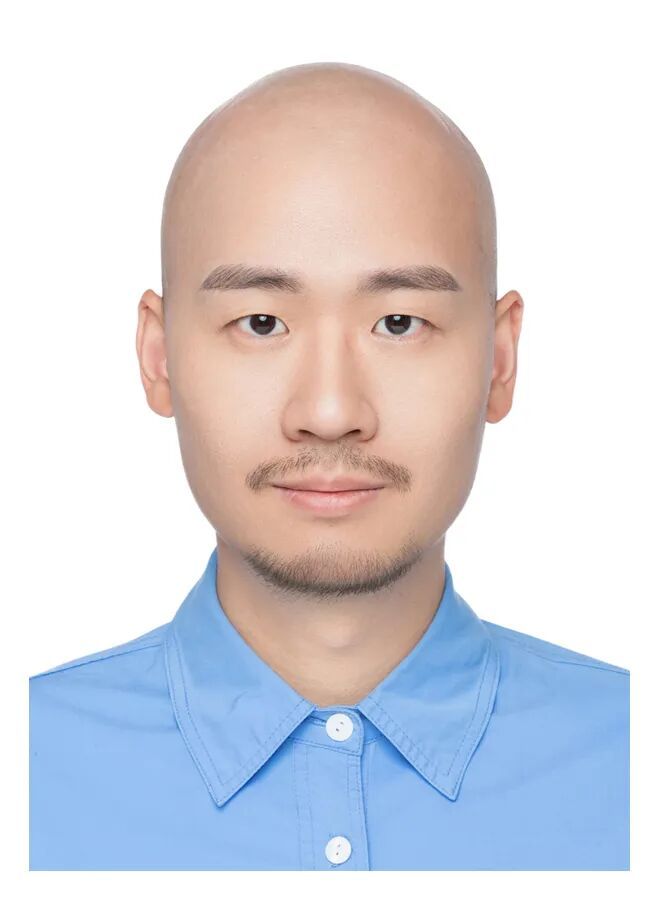
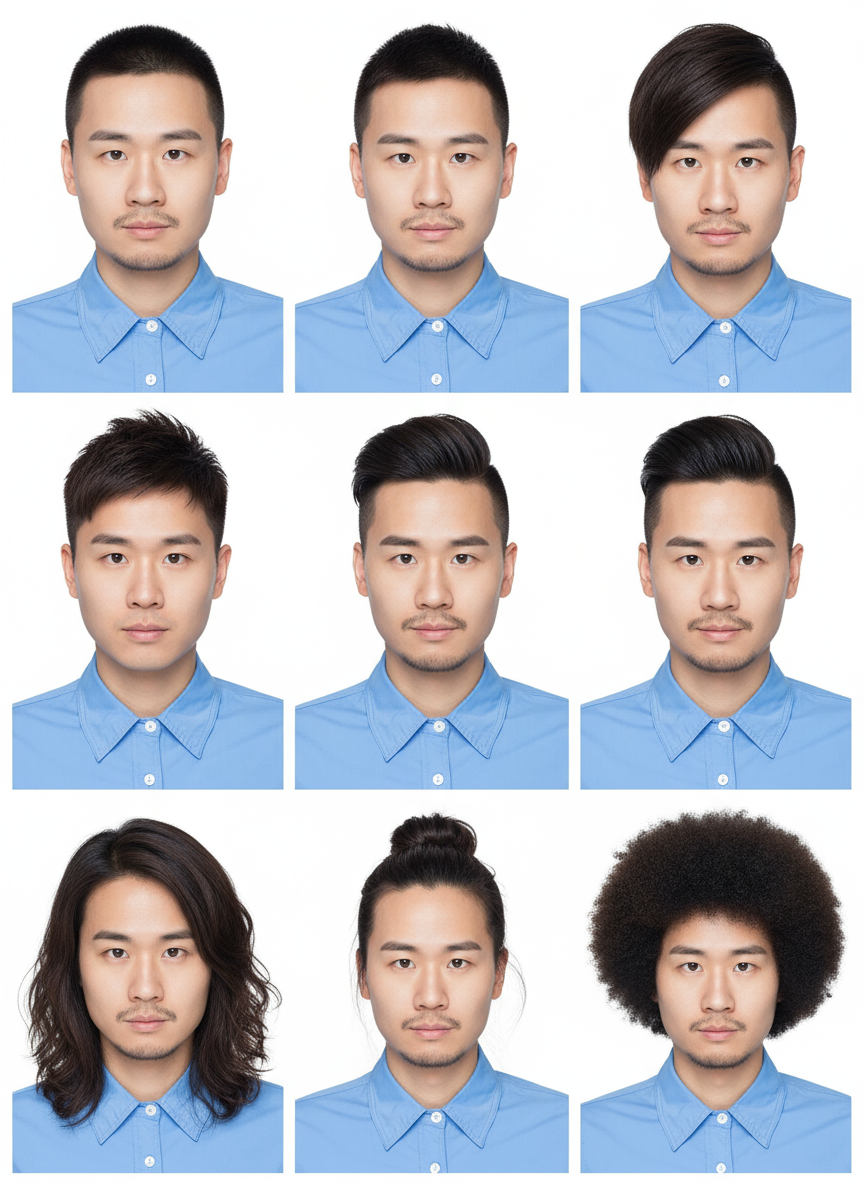
For example, what everyone most wants to see is how I would look with long hair, after all, it’s been about ten years since I shaved my head. Now AI helps everyone fulfill this wish (although some rather eye-catching things got mixed in).
This is the original image.
Below is the generated image.
Illustration to Figurine
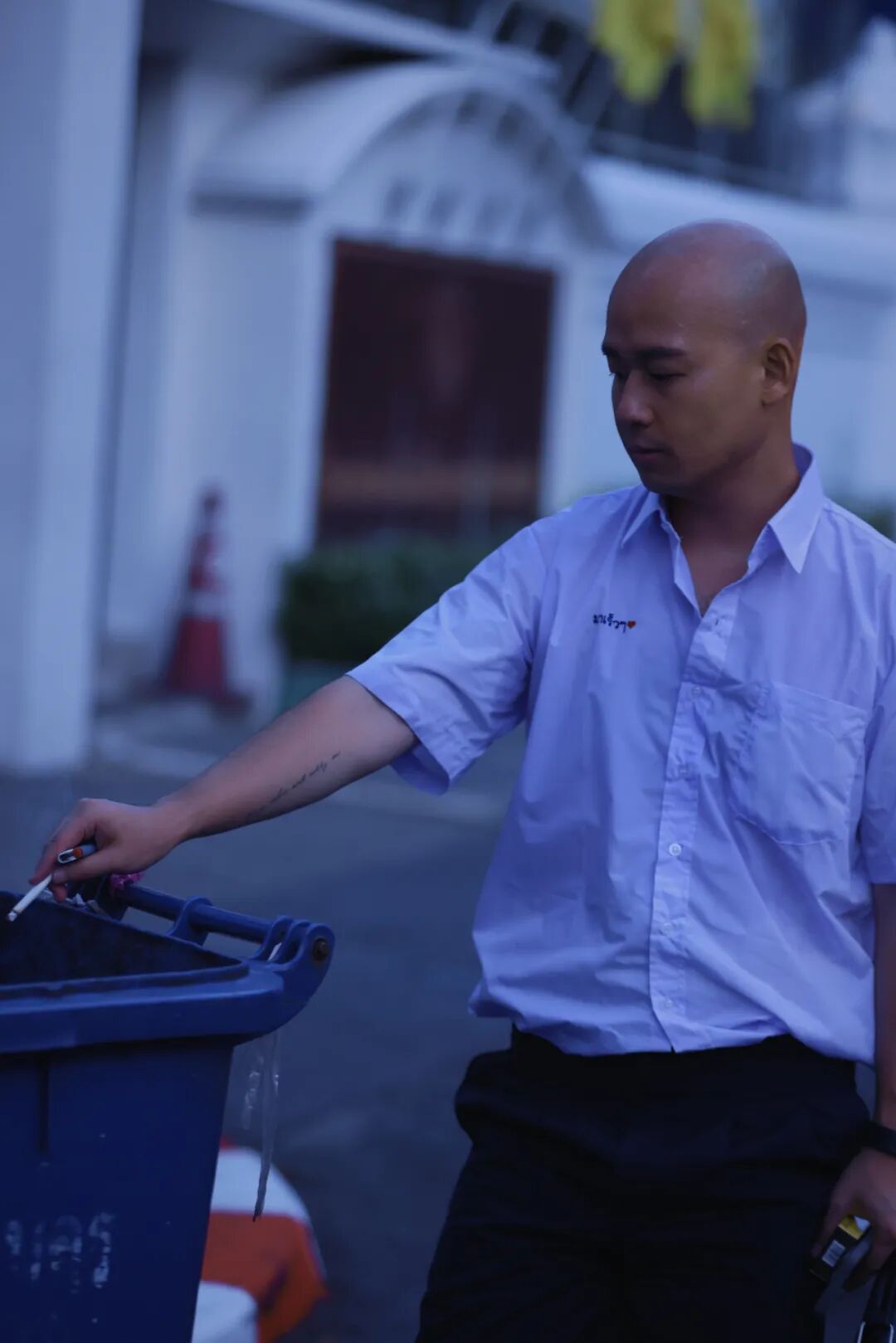
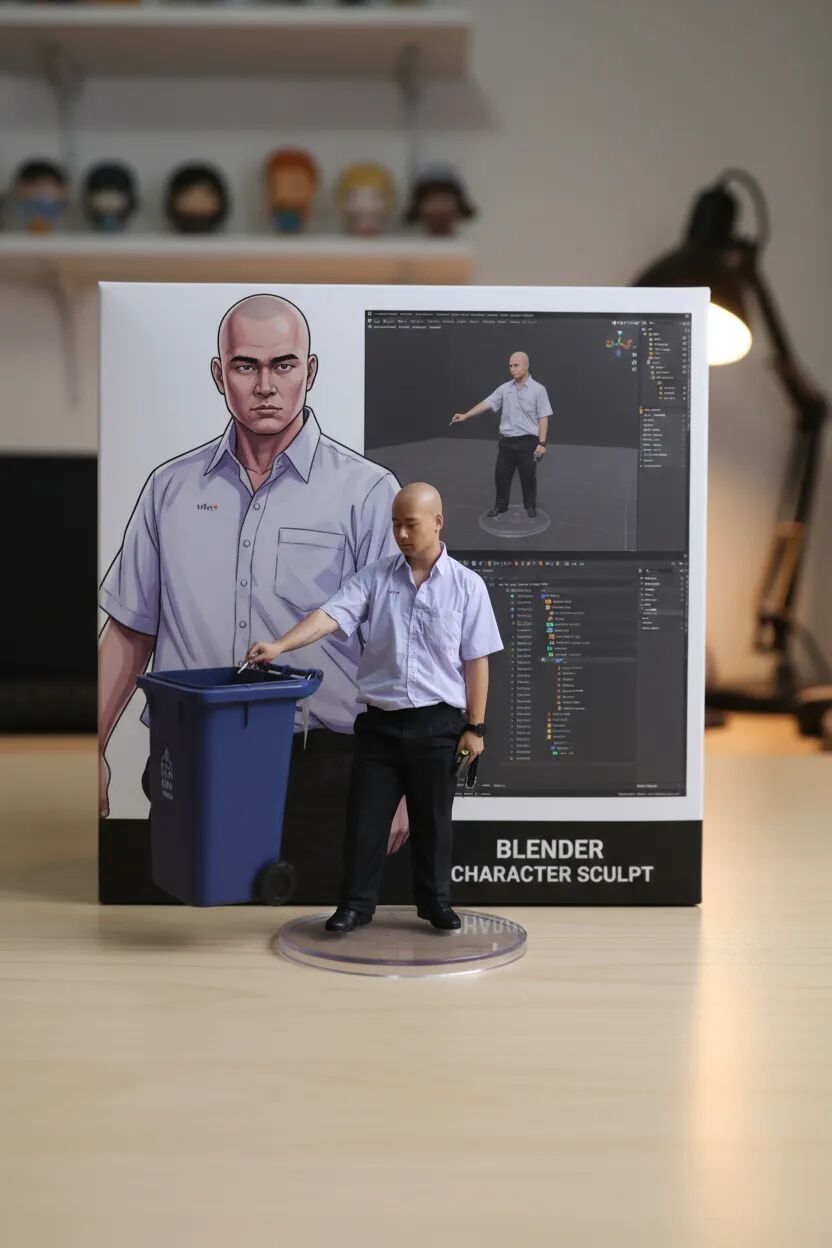
This is something you often see, turning photos into figurines.
Original image.
Generated image.
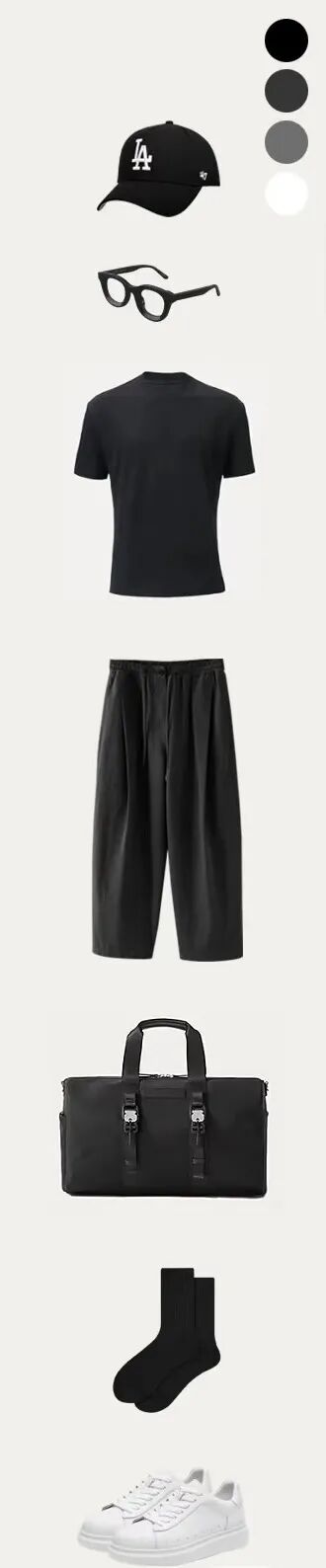
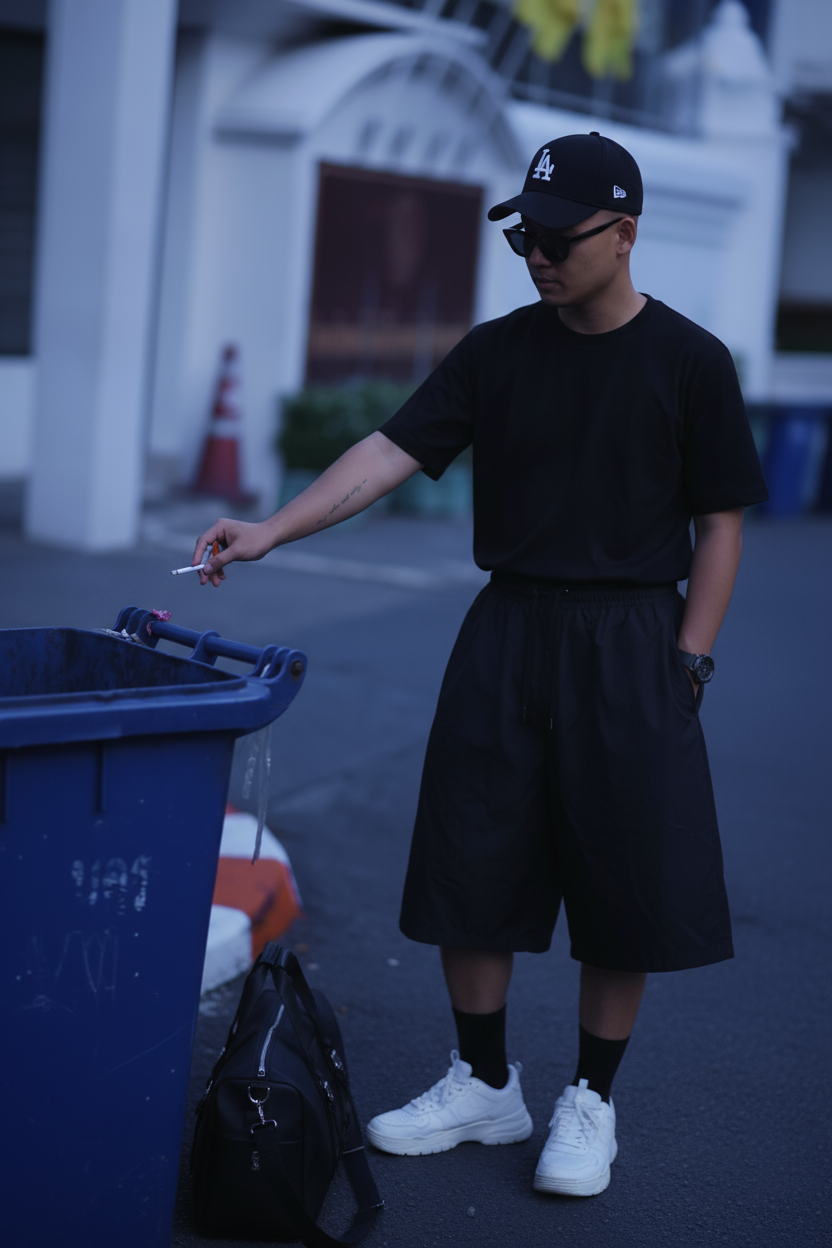
OOTD Outfits
The source image is the one above, then I found an outfit on Xiaohongshu and generated the image below using prompts.
Outfit matching image.
Below is the generated image.
There are many more examples you can check out at createio.ai; I won’t demonstrate more here.
createio.ai
Now let’s talk about the project. Currently, this project mainly supports image generation from images and text, allows multiple image uploads and prompts, and also supports batch image generation. A lot of time was spent because WeChat and Alipay do not support the Stripe subscription model. The models currently used are gpt-image-1 and gemini-2.5-flash-image. So far, gemini-2.5-flash-image has performed very well, generating images quickly—about one image every five seconds—compared to gpt-image-1, which takes about two minutes. The performance improvement is significant, and the consistency is much stronger. However, in actual use, the consistency can feel a bit random, with a certain probability of inconsistency. The best approach is to generate several images and choose one with good consistency.
There are many similar shell products on the market; just choose one you like to use. If anyone has thoughts on this, feel free to discuss.
StickerAI
After migrating to the US server, the traffic from Asia disappeared, but it didn’t matter much since there wasn’t much traffic to begin with. During the migration, I forgot to configure a parameter, which caused issues with uploading images. It was only after a user reminded me that I fixed it.
PromptPlan
Next, I will mainly focus on iterating this, launching the restructured version.
Others
After exploring SEO for a while, I found there hasn’t been much change. I’m considering whether to take a course on it. I asked some experienced individuals, and they just referred me to an SEO introductory course. I looked at some pages and adjusted accordingly, but the effect was minimal.
This is similar to when someone tells you that AI can build a website with one click, but when you actually do it yourself, you realize there are many pitfalls involved, such as assessing AI’s limitations, how to write prompts, using sub-agents, and how to configure different large models, etc. It seems that unless you pay, most people won’t spend time hand-holding you through these issues.
Currently, the idea is still to focus on developing a product with MRR, and for the self-media aspect, I’ll continue at the current pace. I aim to write an experience-sharing article or shoot a video each week. I’ll stop here for this week.